Atlassian apps by qadram

    Jira apps for what Jira doesn’t do out of the box.

    Three focused apps for Jira Cloud, Server and Data Center: TypeScript automation inside Jira, worklogs recorded on behalf of your team, and comment data you can list, filter and export.

    Cloud apps built on Atlassian ForgeData stays inside your Atlassian siteSupport direct from the engineering team

    Our product suite

    Three gaps in Jira.
    Three focused answers.

    Each app covers a capability Jira has no native answer for, and stops there. Pick the one your team needs today; they work independently.

    Jira Cloud · Built on Atlassian Forge

    Script Studio for Jira

    One TypeScript workspace for everything you extend in Jira

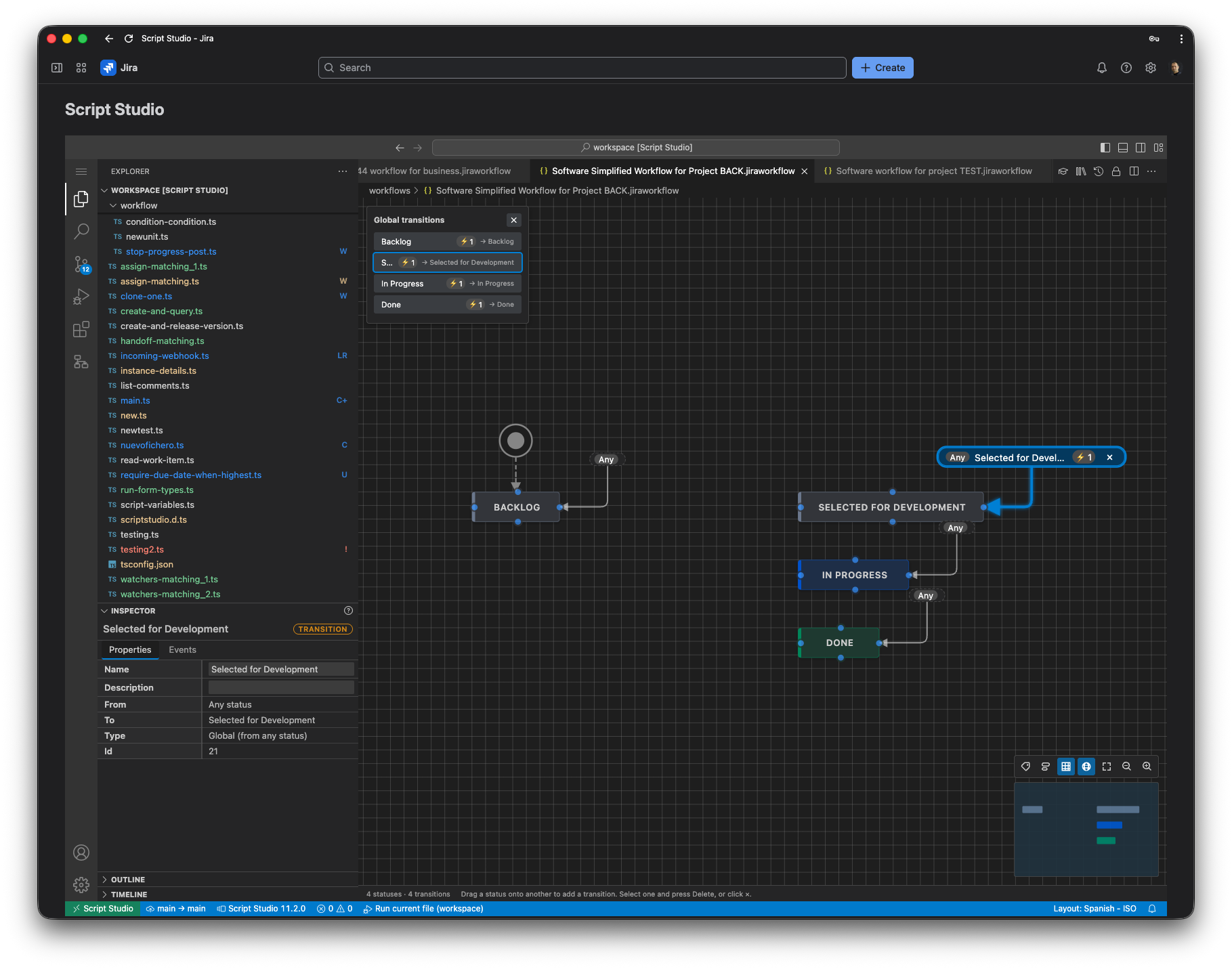
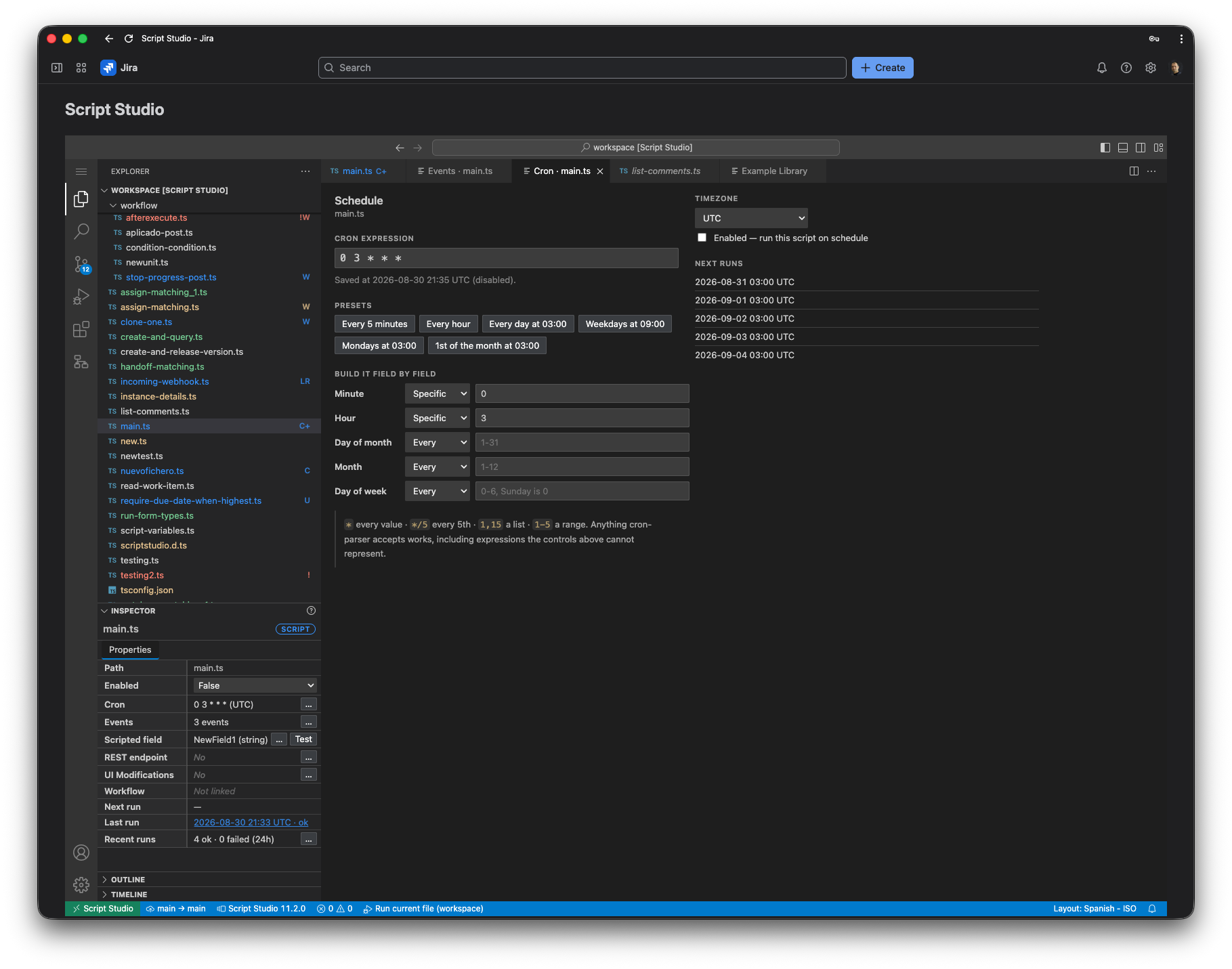
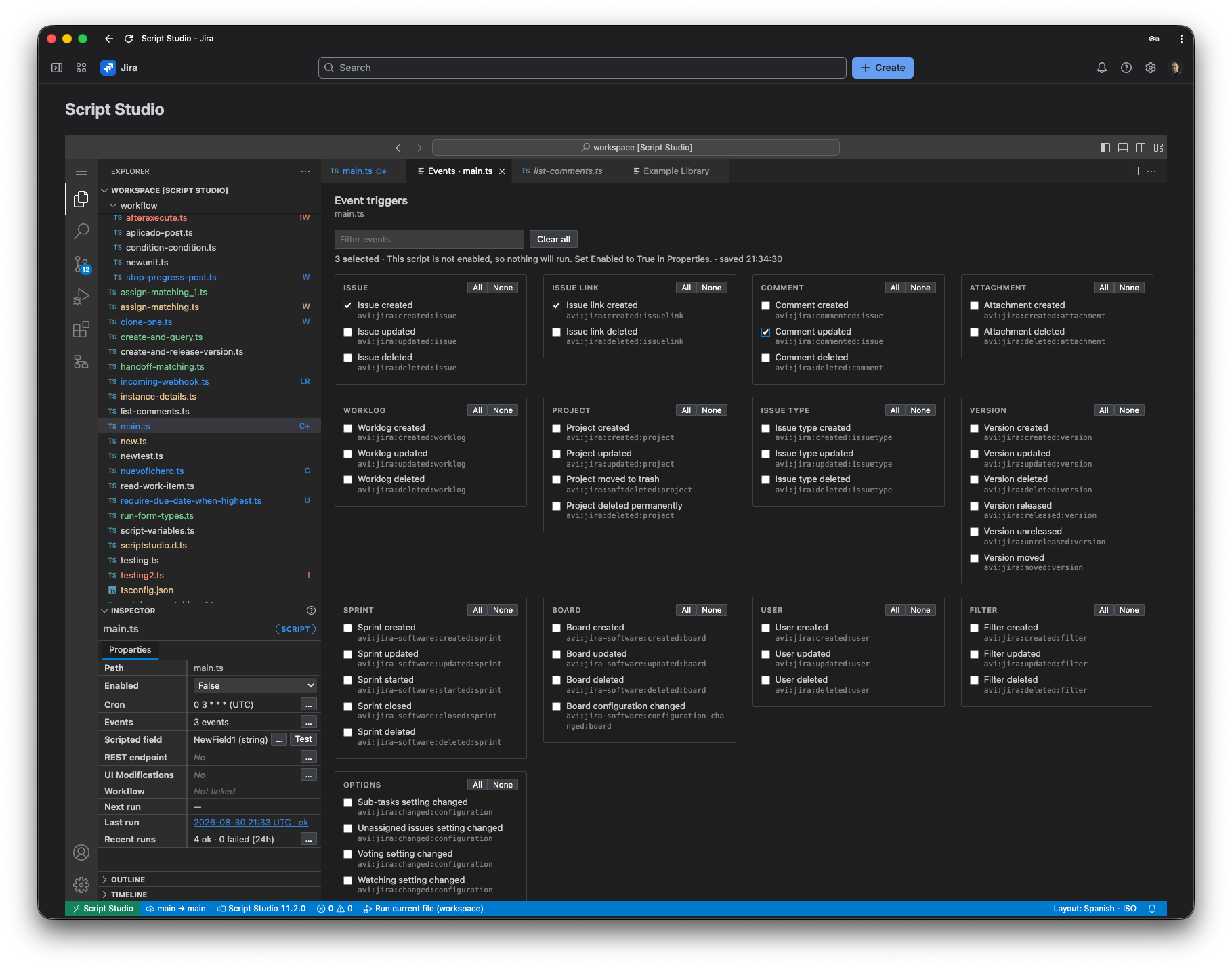
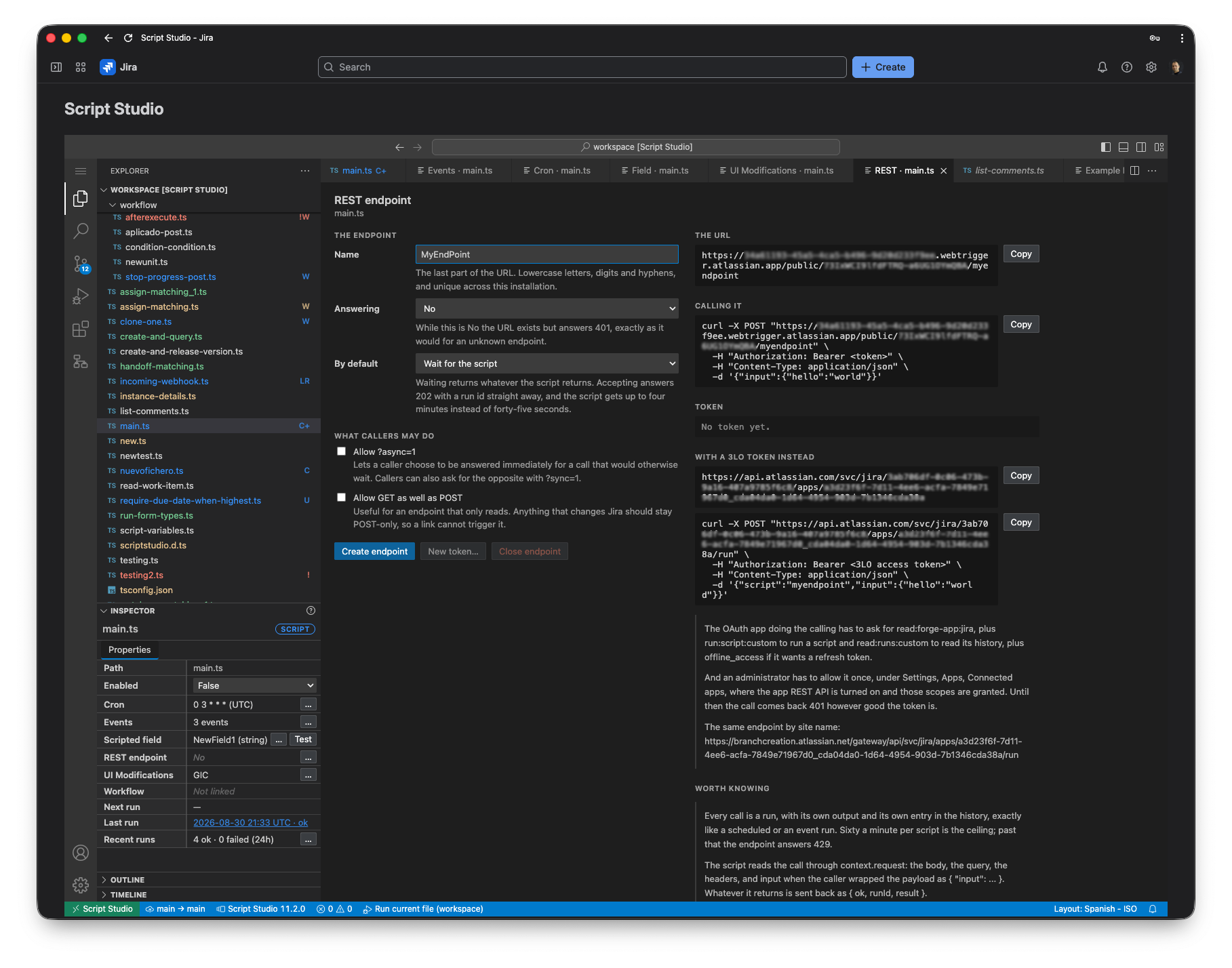
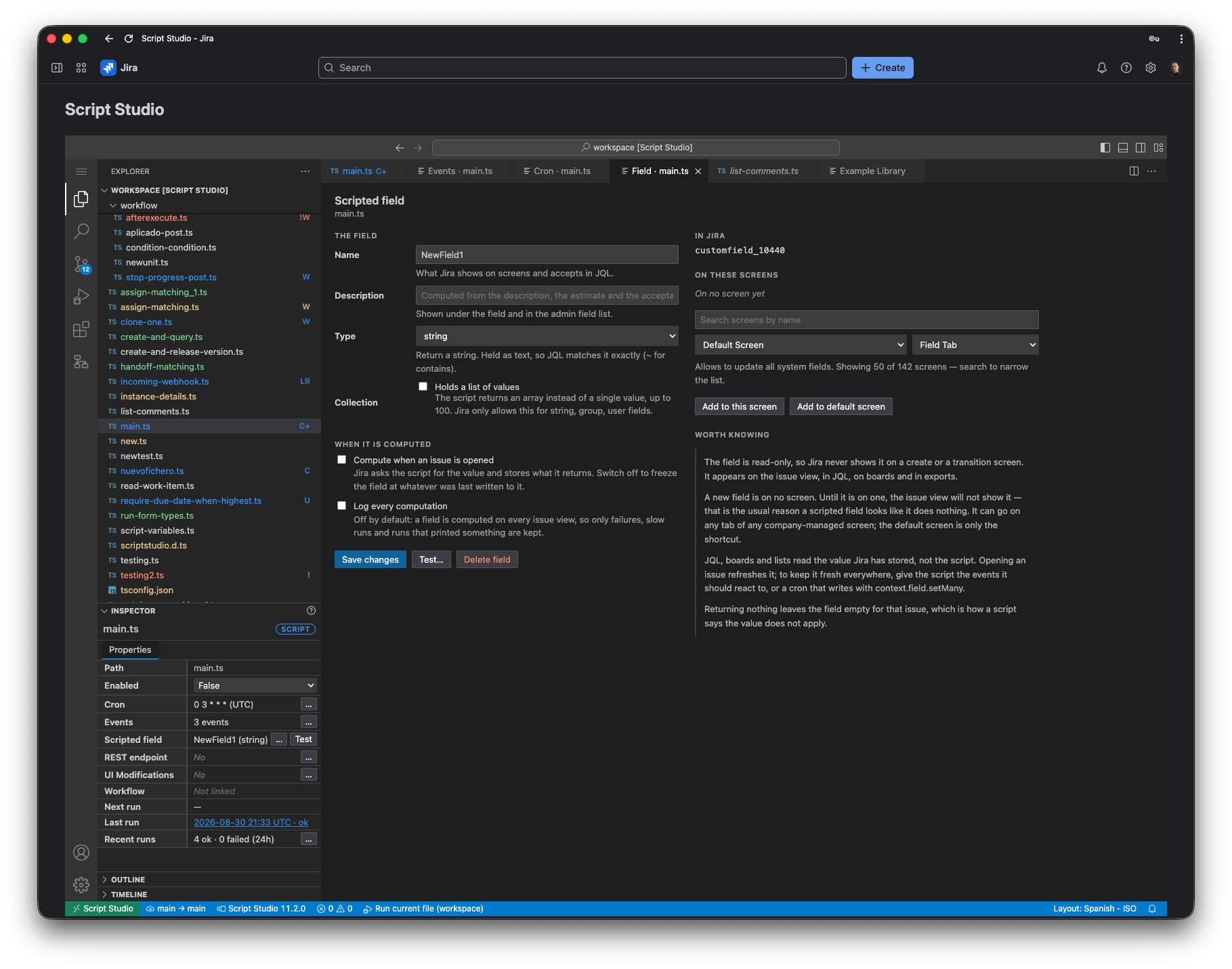
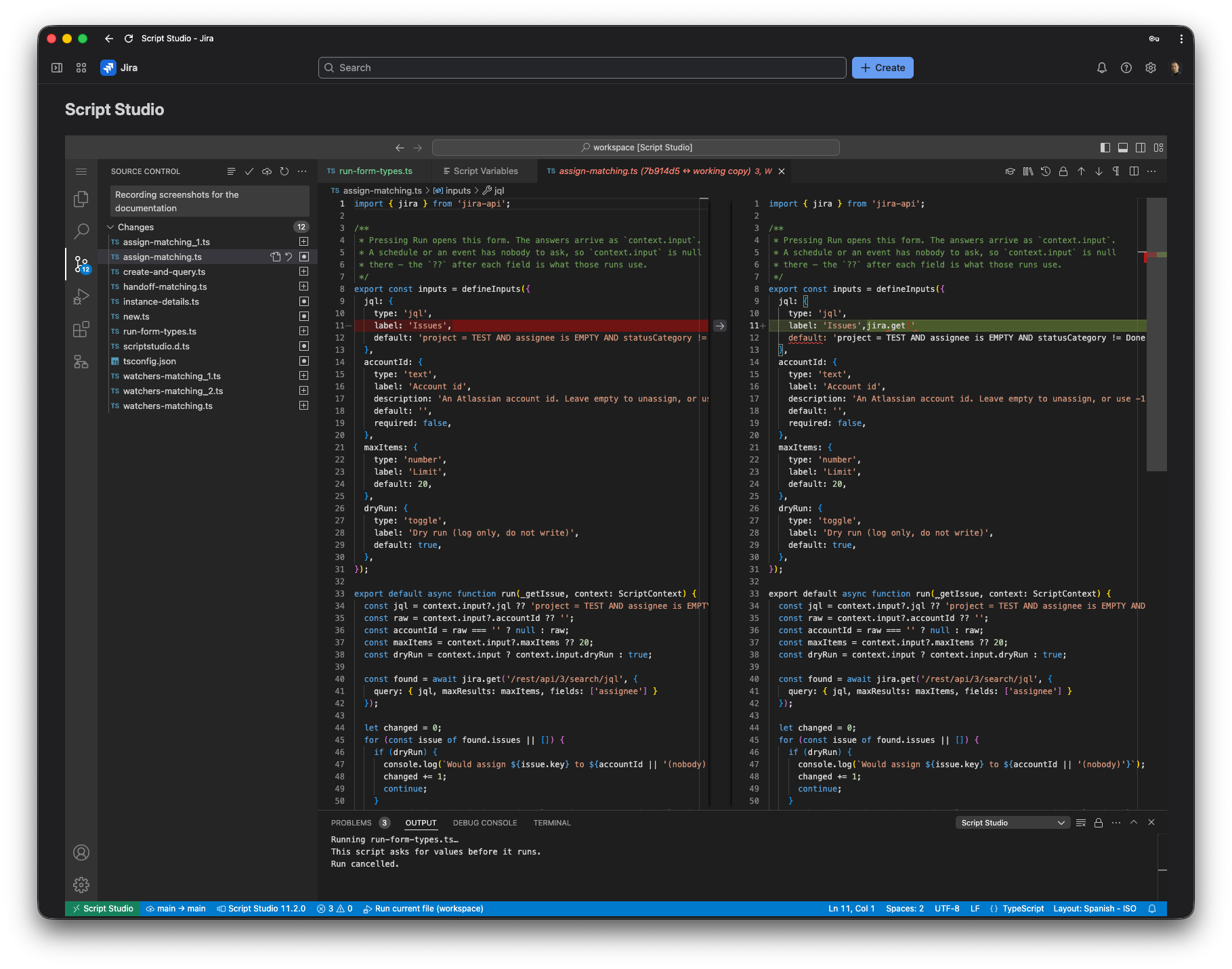
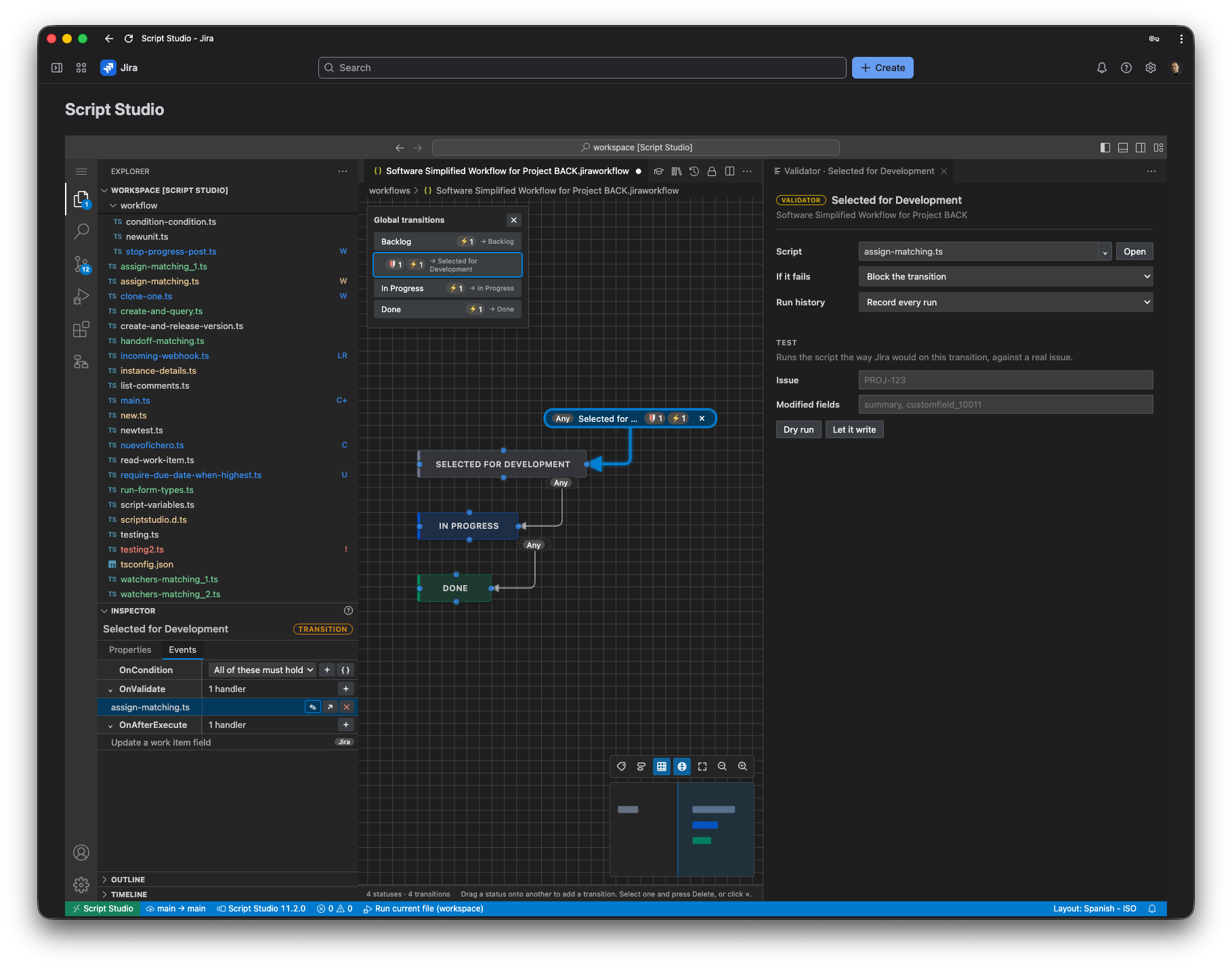
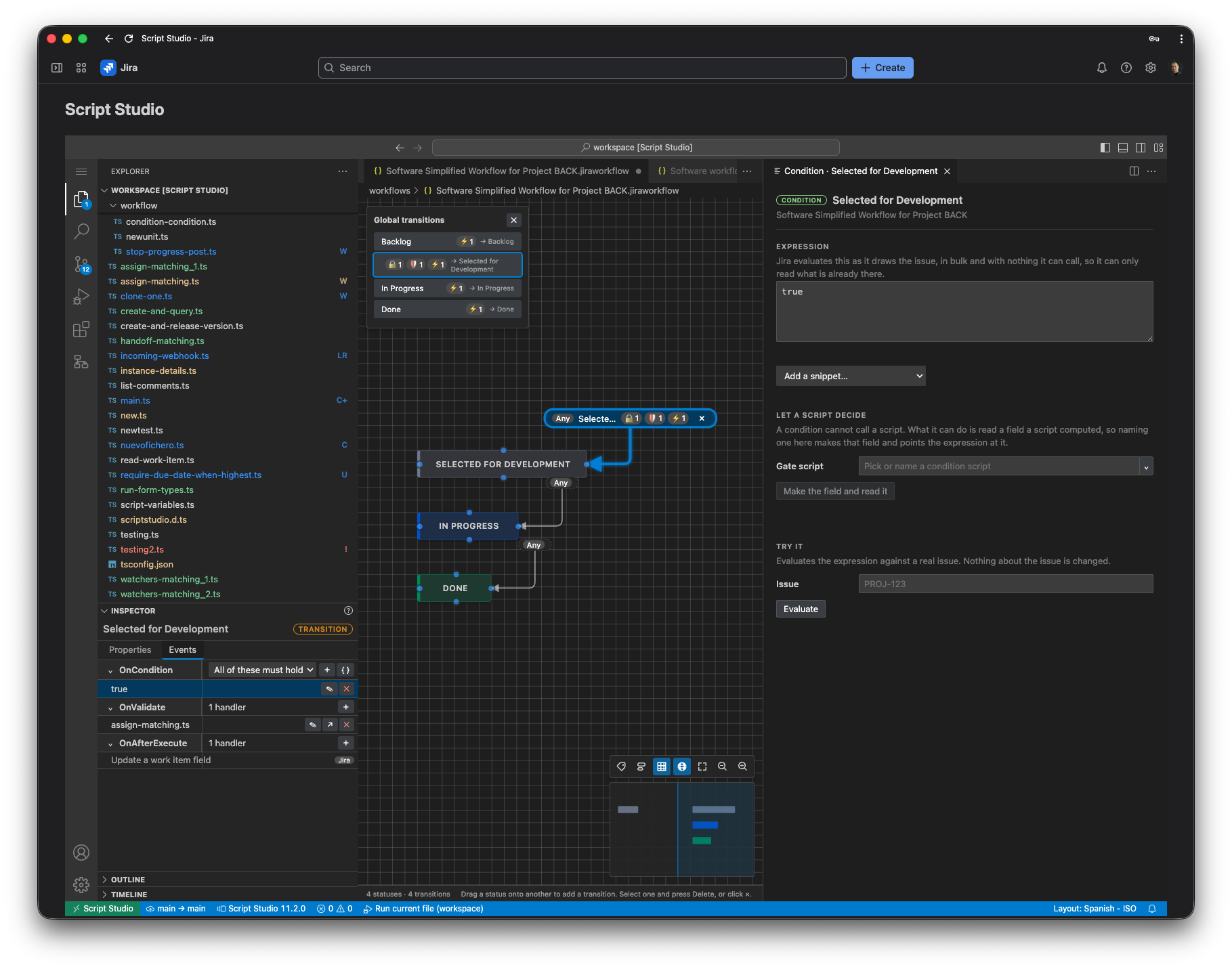
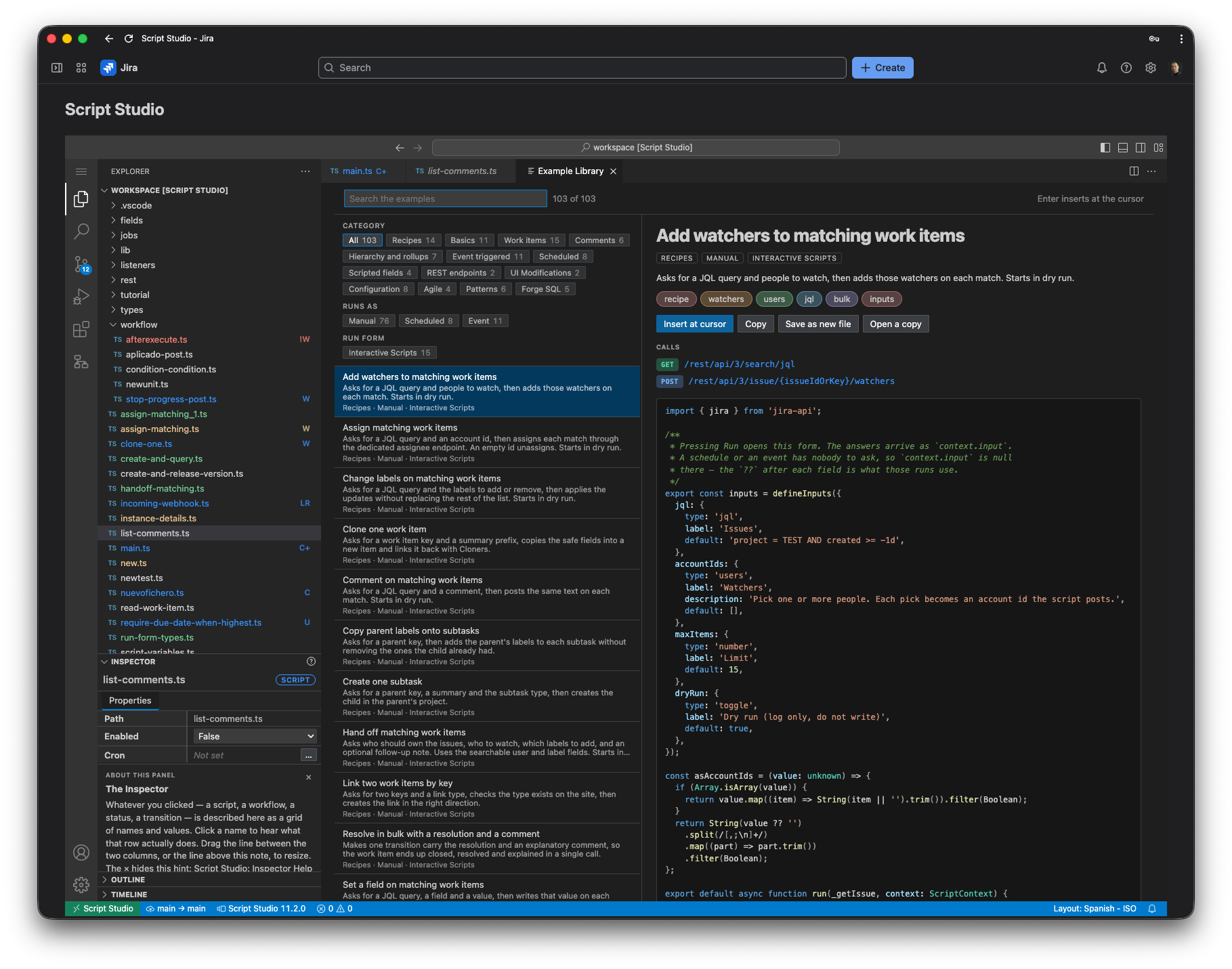
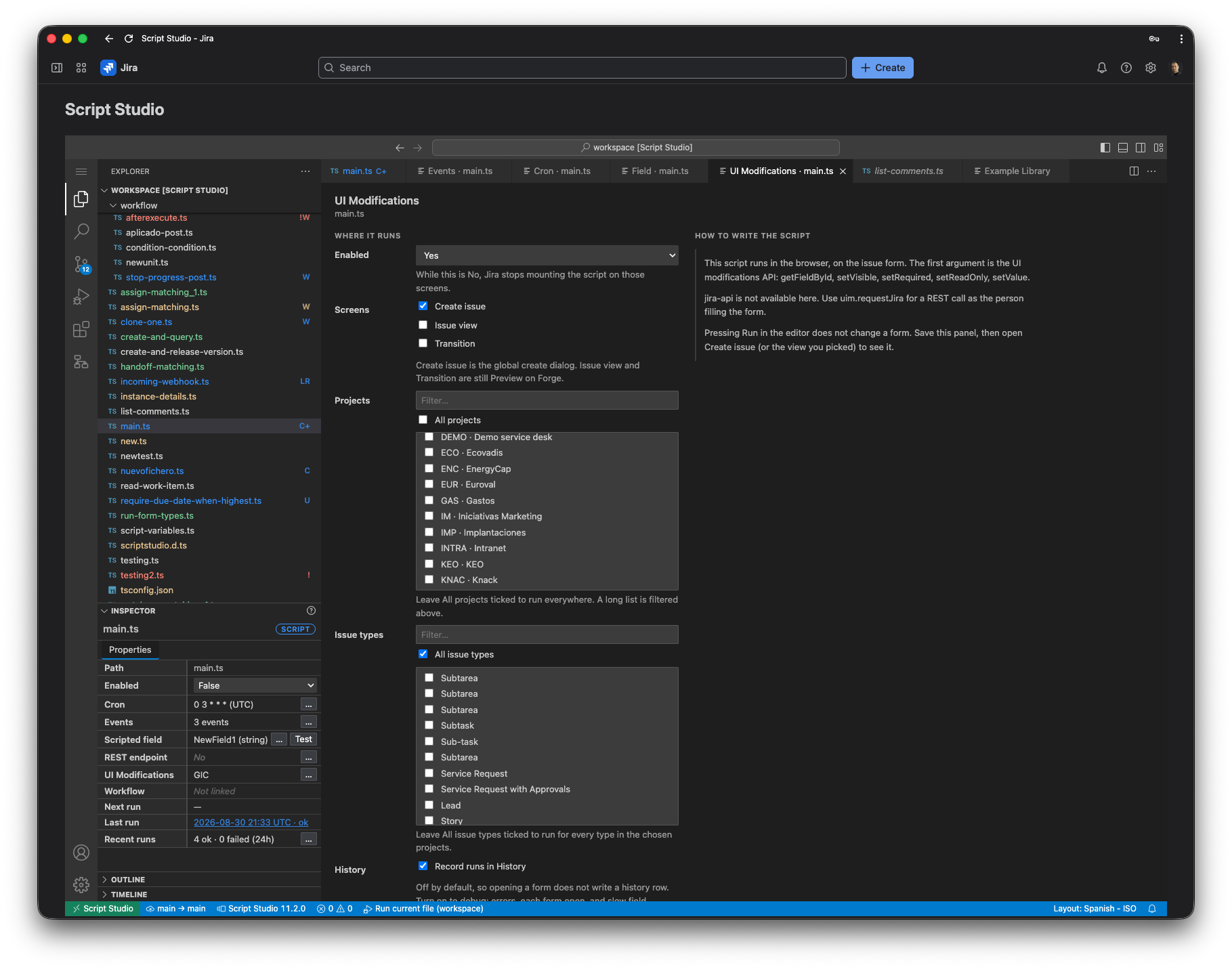
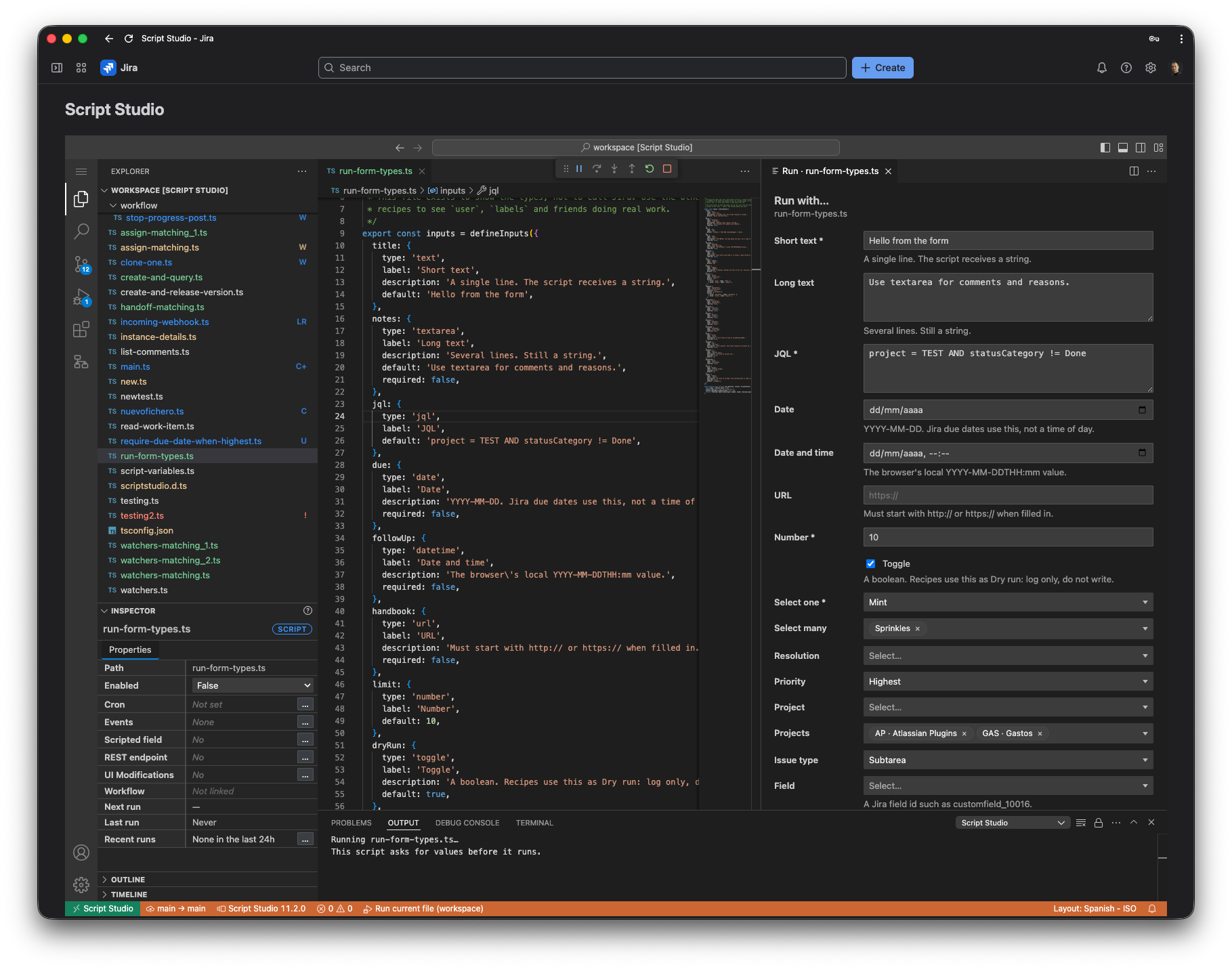
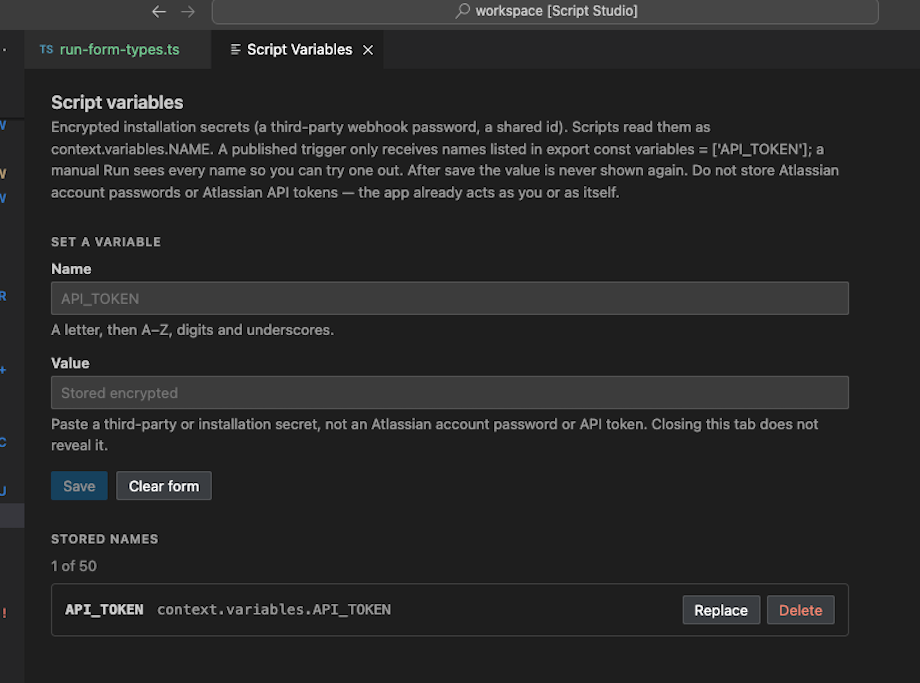
    Script Studio gives Jira Cloud administrators a full TypeScript workbench inside Jira administration. Write logic once, test it against the Jira REST API, and publish the same file as a scheduled job, event listener, scripted field, workflow rule, UI modification or HTTP endpoint. Optional source control connects to GitHub, GitLab or Bitbucket.

    • Write and test before you publish

      A code editor with Jira REST API types lets you run a script manually and inspect its output before anything goes live.

    • One file, many places

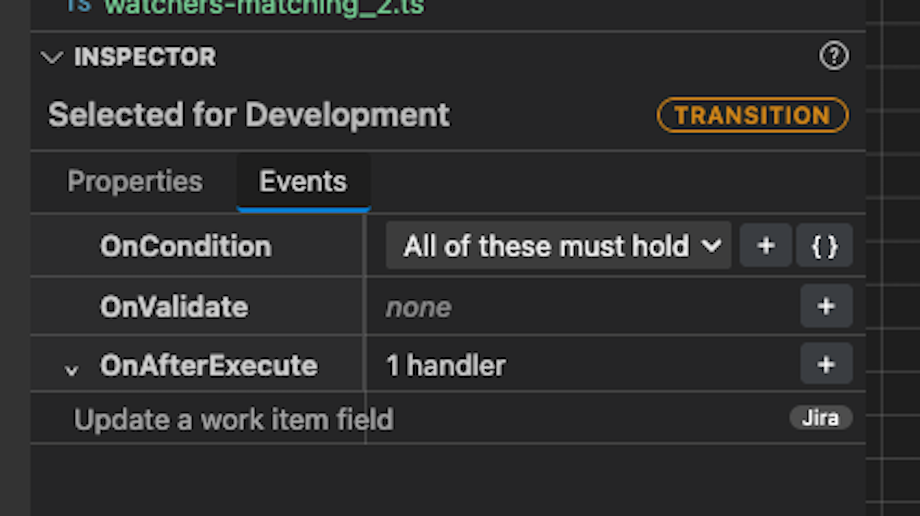
      Publish the same script to schedules, events, fields, workflows, UI modifications and REST endpoints.

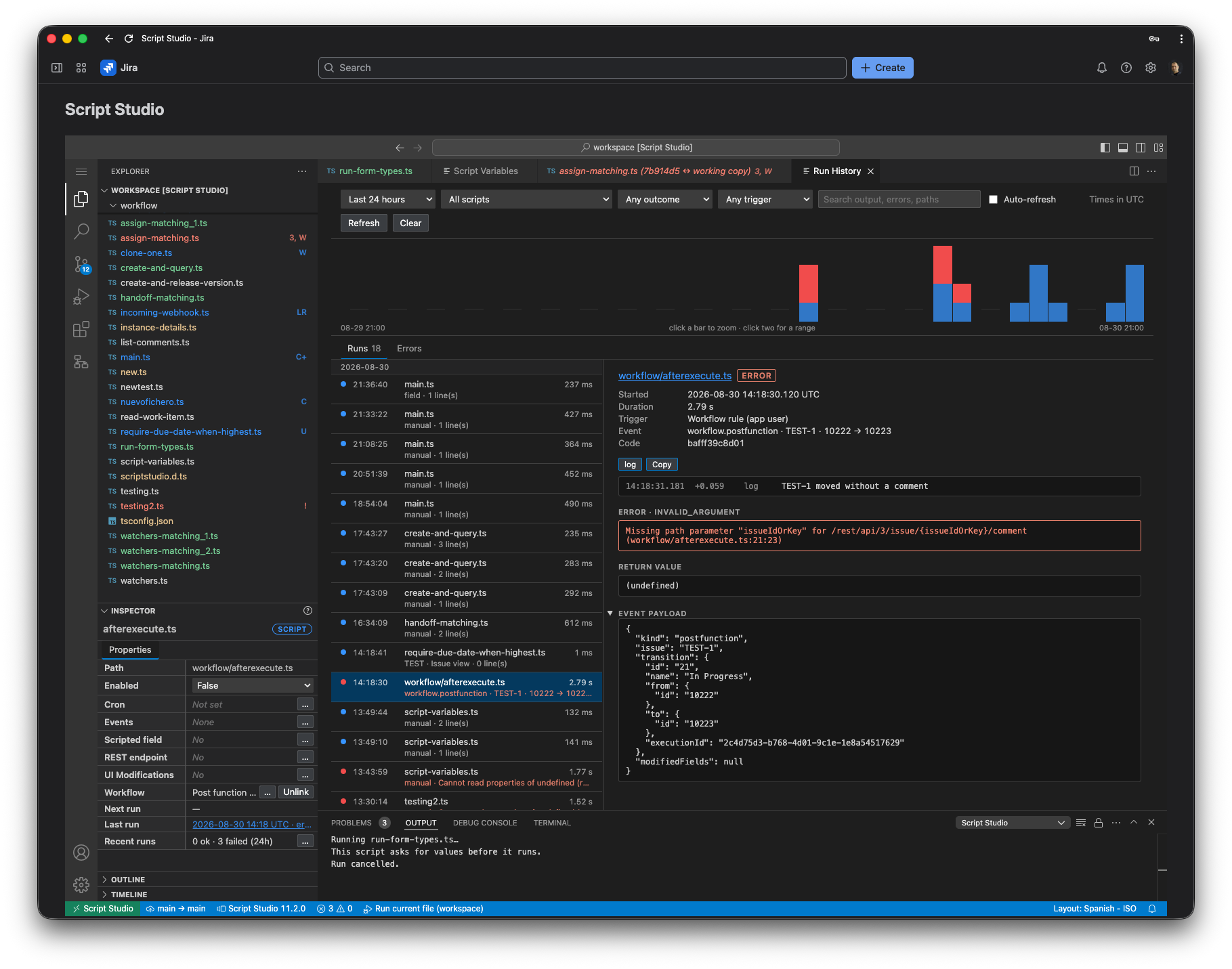
    • An auditable run history

      Every execution is recorded so you can see what ran, when, and why it failed.
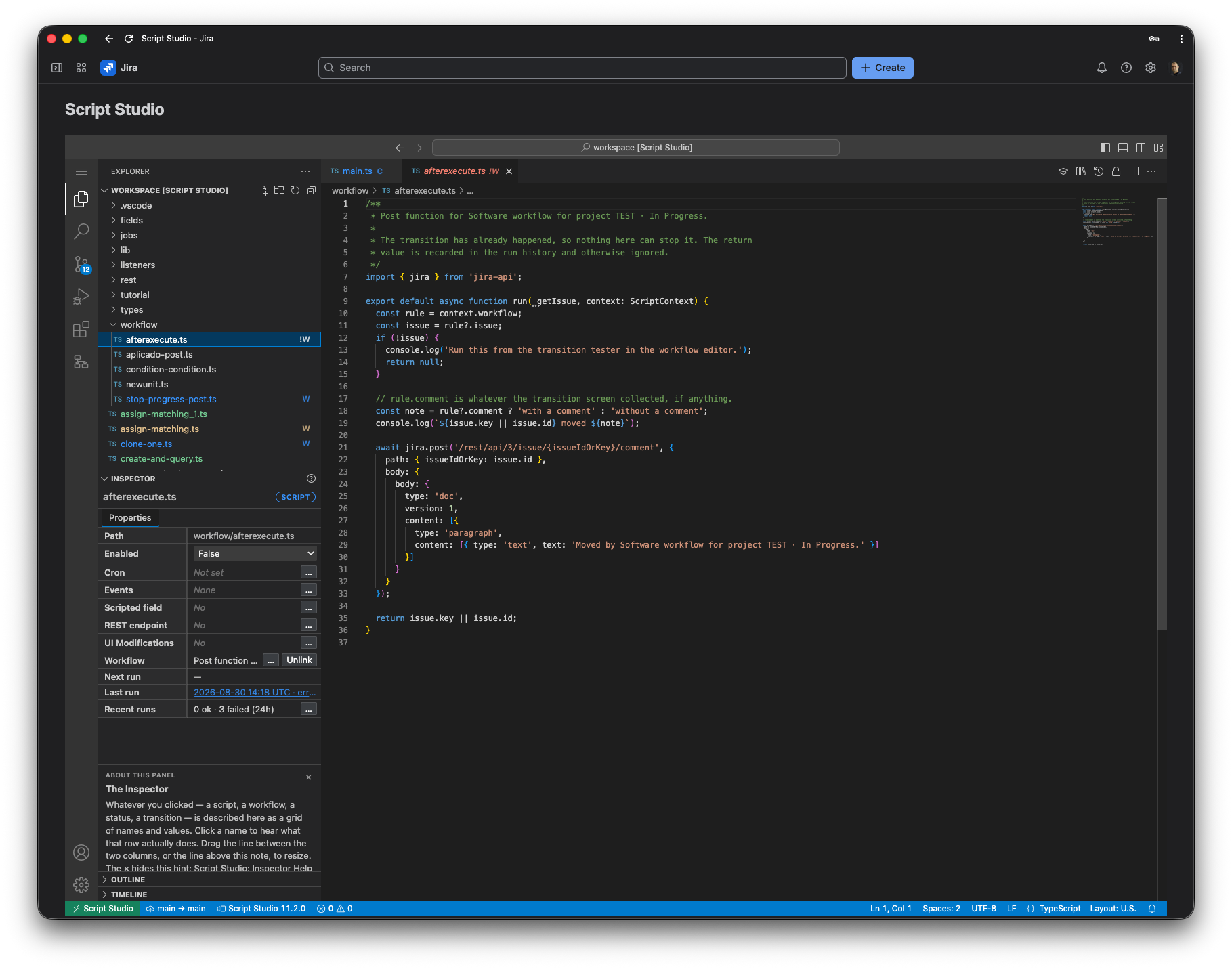
    TypeScript workbench with Jira-aware development tools inside Jira Cloud.

    TypeScript workbench with Jira-aware development tools inside Jira Cloud.
    Jira Cloud · Jira Server · Jira Data Center

    Log work as another user for Jira

    Keep time tracking complete when people can't log it themselves

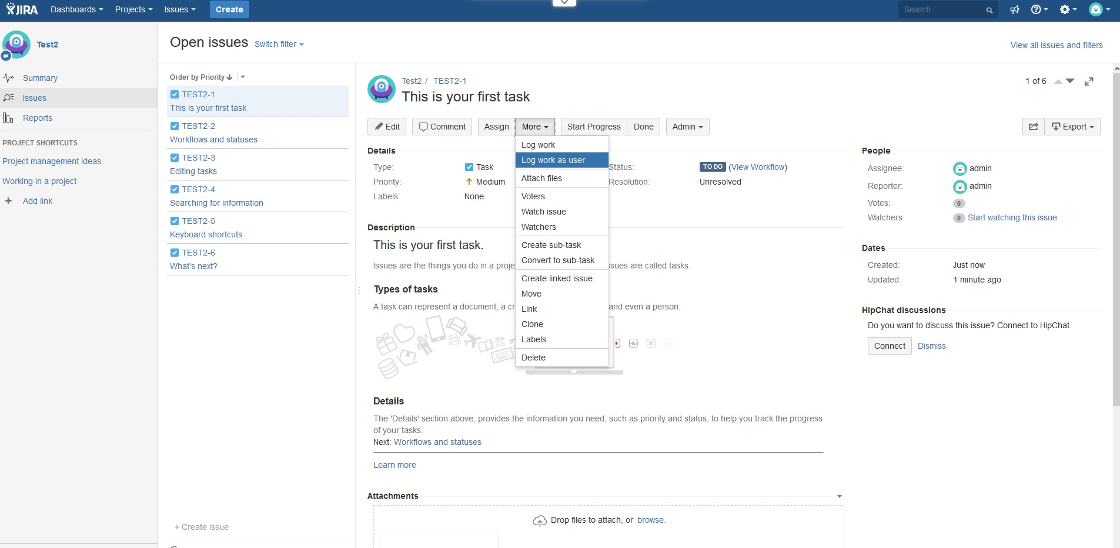
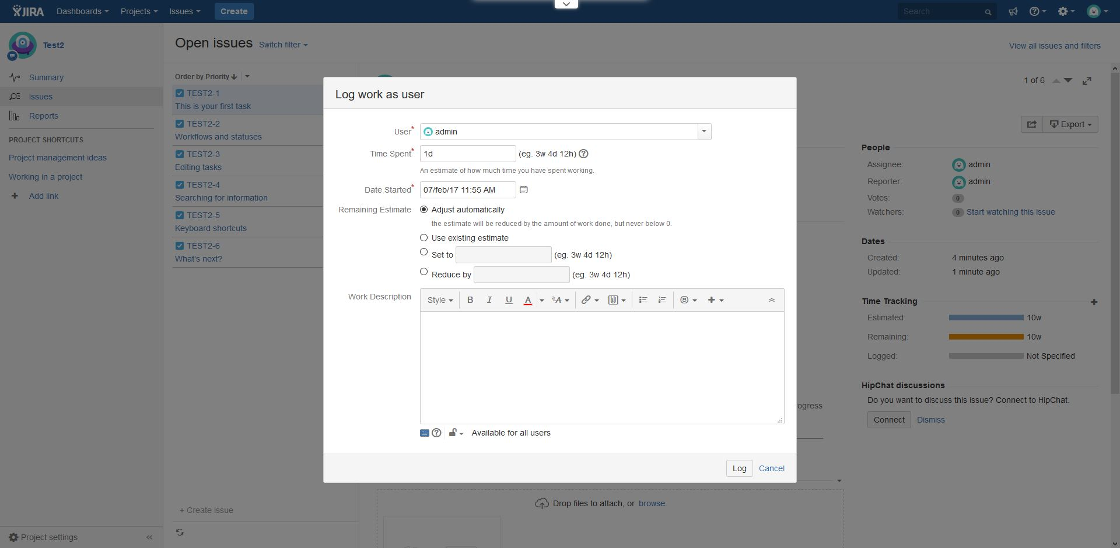
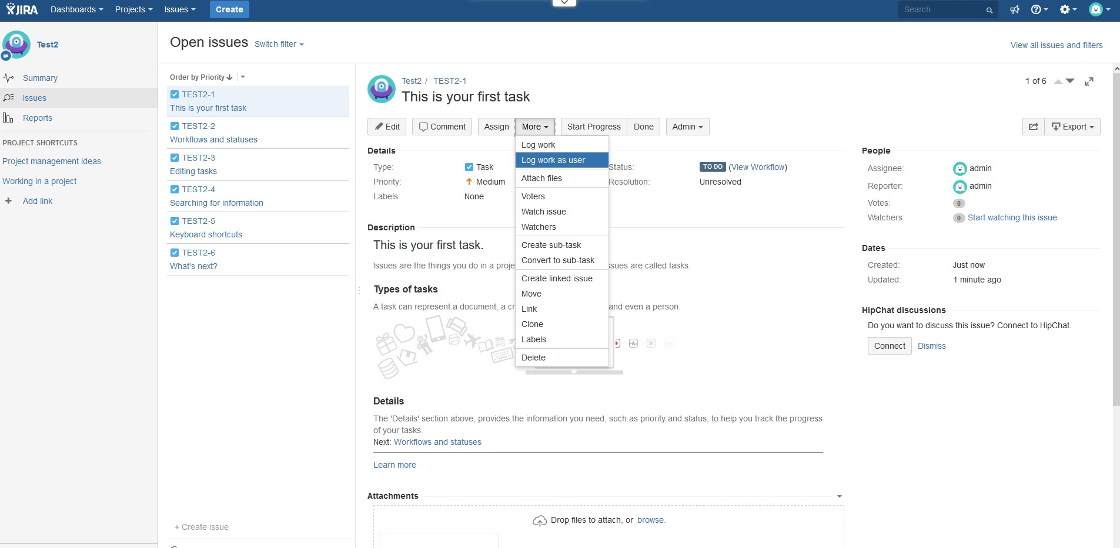
    Jira has no built-in way to record a worklog for somebody else. This app gives authorised project managers and PMOs a focused action to log time on behalf of a team member—for absences, handovers or missing entries—while developers stay focused on their work.

    • A user picker in the worklog dialog

      Choose the person the time belongs to without leaving the issue.

    • You decide who can use it

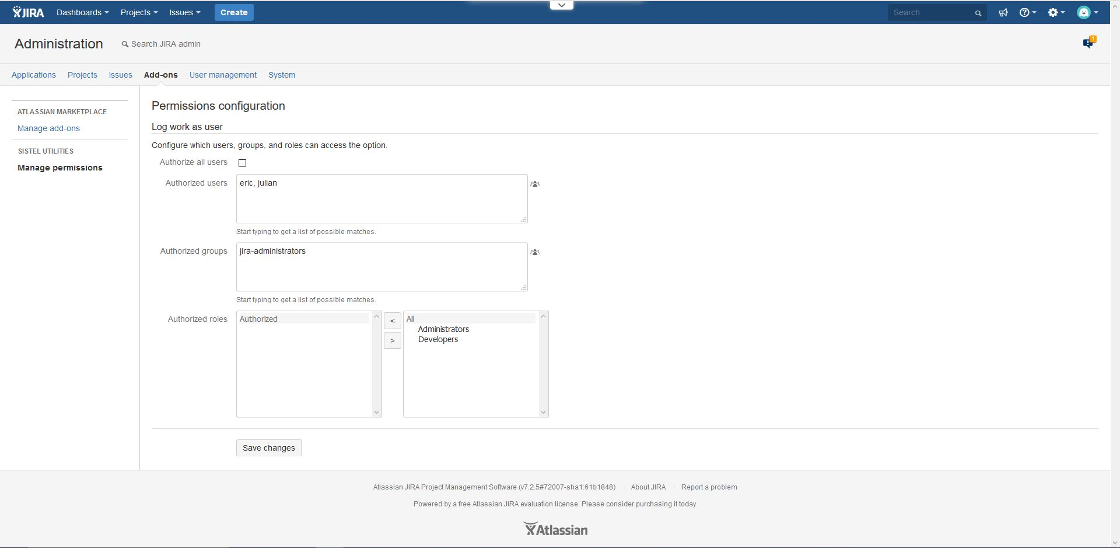
      A permission matrix controls exactly which users and groups get the option.

    • Automate it from your tools

      Server and Data Center include a REST endpoint for scripts and integrations.

    Jira worklog dialog with another-user option

    Log work on behalf of another user.

    Jira Cloud & Service Management · Runs on Atlassian

    Comment Fields for Jira

    The conversation, outside the issue view

    Jira doesn't expose an issue's first comment, last comment or comment count as data you can see in a list, sort or export. Comment Fields adds three read-only custom fields, keeps them in sync and turns search results into useful spreadsheets.

    • Three read-only fields

      First comment, last comment and all comments are usable across list and board views.

    • In sync, including your history

      Values update as comments change, with a site-wide sync for existing work items.

    • Export any search to Excel

      Download the current JQL result with issue fields and comments in columns.

    Comment Fields for Jira app icon

    First, last and all-comment values as read-only Jira fields.

    Why qadram

    Small apps, built by the people who support them.

    A missing capability, not a suite

    Each app covers something Jira has no answer for out of the box, and avoids the feature sprawl.

    Your data stays on Atlassian

    Our Cloud apps run on Atlassian Forge, so processing happens inside your own Atlassian site.

    Talk to the engineers

    Support and product guidance come from the same team that writes the code.

    Not sure which app fits?

    Show us your Jira, and we’ll tell you which app fits.

    Book a demo